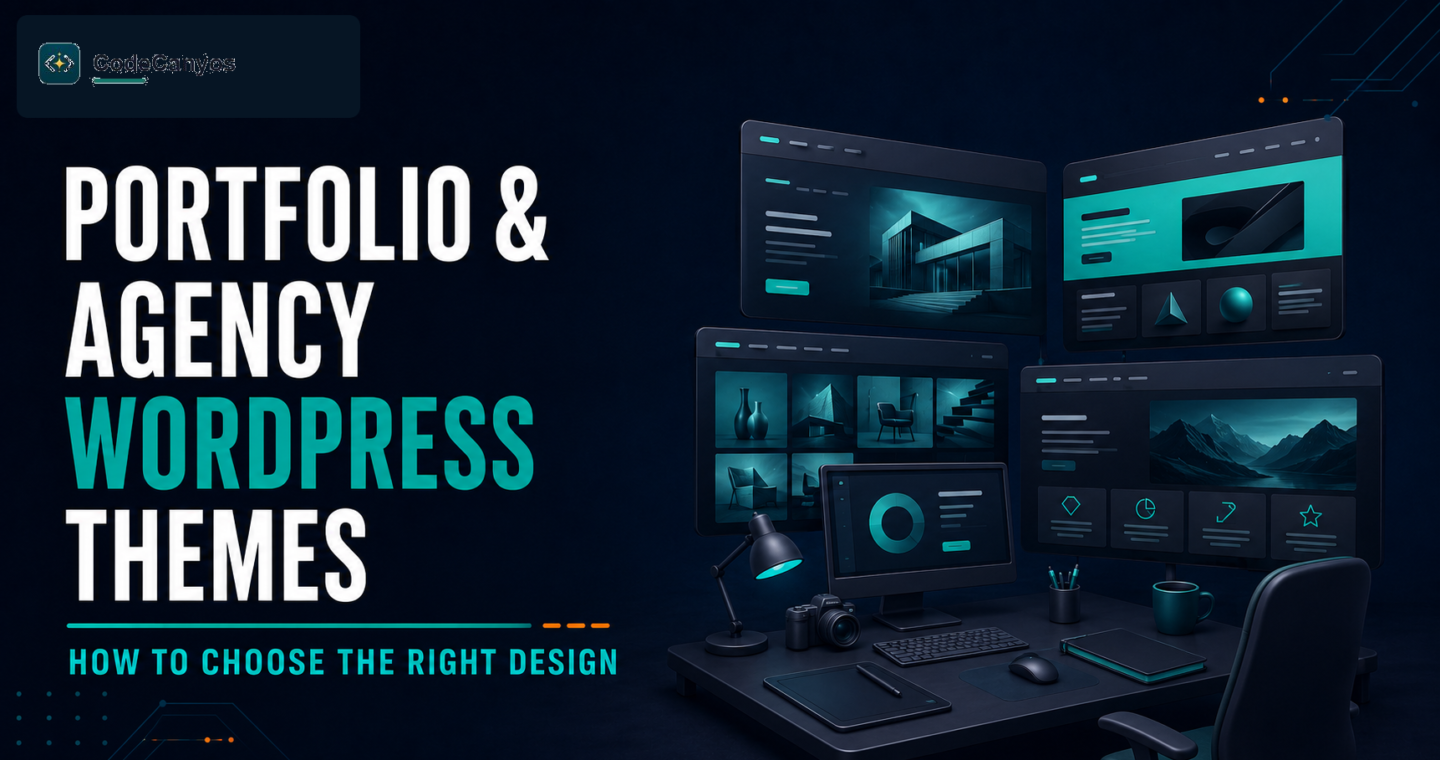
A portfolio or agency website has one job: make the right client confident enough to contact you. The theme you choose should support your work, not bury it behind effects, sliders and complicated navigation. Use this guide to compare a WordPress theme before you invest time in customization.
Define the primary conversion first
Decide whether the site should generate enquiries, book calls, display a case-study portfolio or sell a service package. The homepage should lead visitors to one main next step. A theme that shows the portfolio clearly and keeps the contact path visible is more valuable than one with endless animated sections.
Evaluate the portfolio layout
Look at the project grid, project-detail template, image ratios and filtering options. Your best work should be easy to scan and every case study should have room for the problem, approach and result. Orvian portfolio and creative agency WordPress theme is the kind of layout to consider when you need visual projects and agency services to work together.
Keep mobile visitors in mind
Many prospects will first view the site on a phone. Open the demo on mobile and check the menu, headings, portfolio cards, contact form and performance. Avoid layouts that rely on hover effects alone or use text that becomes too small to read. A fast, readable mobile experience builds trust before a visitor reaches the contact page.
Choose sections that prove your expertise
Useful agency pages usually include selected work, services, client results, process, testimonials and a clear contact route. If you work in marketing or SEO, a layout such as Seofin SEO and digital marketing agency WordPress theme can help organize these proof points, but the real value comes from replacing demo text with honest project details.
Check editing and long-term maintenance
Confirm the theme works with your preferred page builder and current WordPress version. Review documentation, plugin requirements, update history and support terms. Build key pages with reusable sections so that you can update services and projects without redesigning the entire site later.
Portfolio theme checklist
- One clear contact or enquiry goal.
- Case-study pages that explain the value of your work.
- Fast, responsive project grids.
- Readable type and accessible colour contrast.
- Current WordPress compatibility and documentation.
Frequently asked questions
Should a portfolio theme include a page builder?
It can be helpful when it lets you update content quickly. Use it carefully and keep important pages simple enough to maintain.
Do animations improve conversions?
Only when they clarify the content. Heavy animation can slow the page and distract visitors from your work and contact call to action.
Choose a theme around your actual client journey. Start with strong work, clear services and a simple next step, then add visual detail only where it helps visitors understand your value.