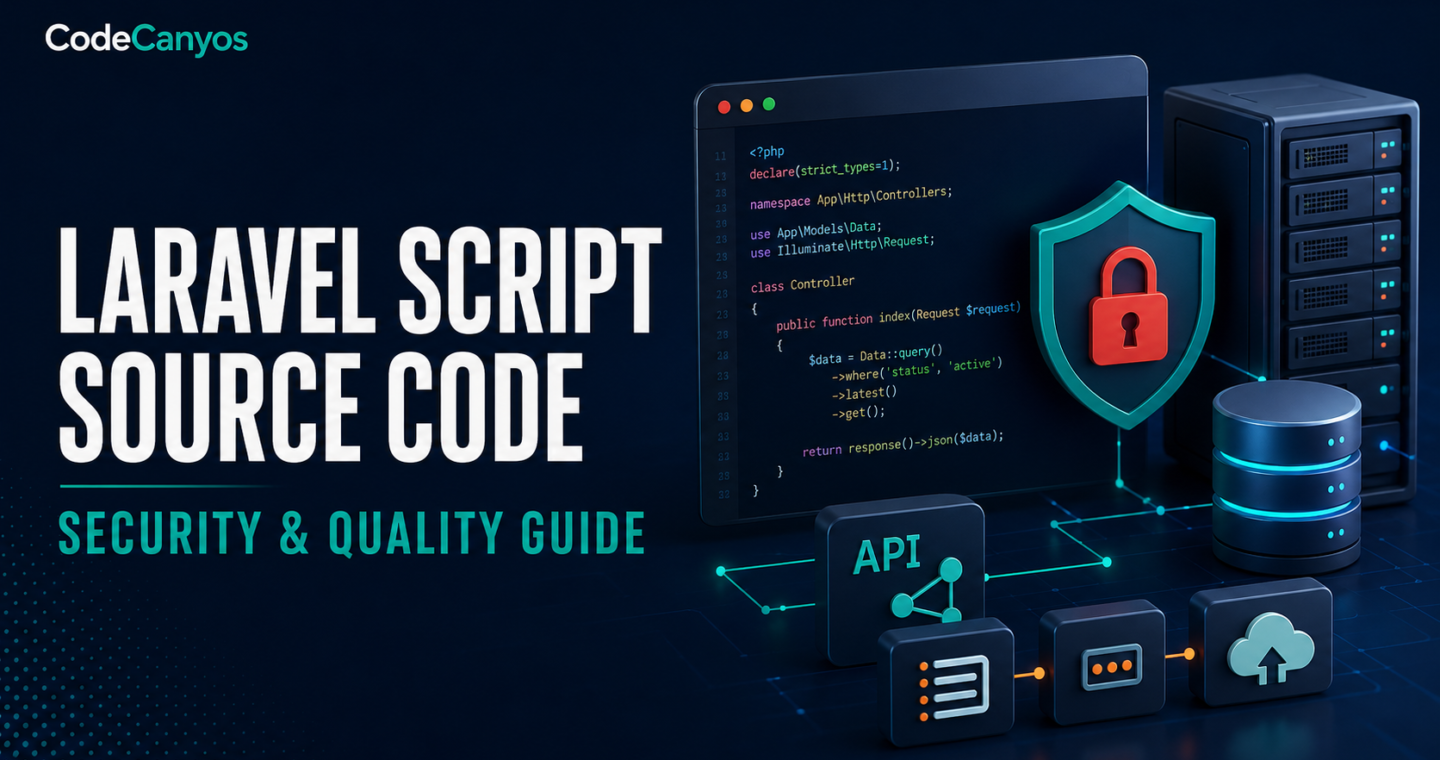
Laravel script source code can provide authentication, dashboards, payments, content workflows and APIs without starting from an empty repository. It can also inherit security weaknesses, outdated dependencies and deployment assumptions. A buyer should treat the project like a production application, not a collection of attractive screens.
Use this guide while comparing Laravel scripts and web applications. The checks apply to SaaS products, booking systems, marketplaces, admin panels and business tools.
Define the complete system
List user roles, workflows, data, reports, payments, notifications, integrations and administrative controls. Confirm whether the product includes only a web application or also a REST API, mobile clients, worker processes and documentation.
A feature shown in a demo may depend on a seller-controlled service. Identify everything required to run the system independently.
Confirm Laravel and PHP versions
Record the exact Laravel, PHP, Composer and database versions. Check whether they receive security support and whether the hosting environment can run them. Major upgrades can affect authentication, middleware, queues, mail, storage and third-party packages.
Install the original project in a staging environment before customization. Keep an untouched backup and document every setup step.
Review Composer dependencies
Inspect composer.json and the lock file. Identify abandoned packages, private repositories and packages that require paid licenses. Run supported security checks in the development workflow and plan updates deliberately.
Dependencies should be reproducible from documented sources. Missing vendor archives should not be the only way to install a project.
Inspect application architecture
Routes, controllers, validation, services, policies, jobs and data access should have clear responsibilities. Large controllers containing queries, payment logic and HTML generation are difficult to test. Repeated business rules should be centralized.
Look for migrations, seeders, factories and tests. A project can work without perfect architecture, but the structure should support the changes you intend to make.
Authentication and authorization
Authentication proves identity; authorization controls actions. Test every role against direct URLs and API requests. Hiding a button is not access control. Policies, gates or equivalent server-side checks should protect records and administrative operations.
Review password reset, email verification, session handling, rate limits and account deletion.
Input validation and output safety
Validate requests on the server and escape output in the correct context. File uploads need type, size, storage and access controls. Rich text requires a deliberate sanitization policy.
Use parameterized database access through supported Laravel tools. Avoid constructing raw queries from user input.
Secrets and environment configuration
The repository should not contain production passwords, API secrets, private keys or real customer data. Environment variables should configure database, mail, storage, payment and third-party services.
Generate a new application key and credentials for your deployment. Rotate any secret that may have been shared in a distributed package.
Database quality
Review migrations, indexes, foreign keys and deletion behavior. Test realistic data volume, not only a demo with ten rows. Reports and search can become slow when common filters are not indexed.
Plan backups, restoration tests and retention. Sensitive data should be minimized and protected according to the product’s risk.
Queues, scheduled tasks and email
Many Laravel features depend on queue workers and the scheduler. Confirm which jobs must run, how failures are retried and what monitoring is required. A shared-hosting cron entry may not be enough for a busy queue.
Test email delivery, templates, unsubscribe behavior and failed-message handling with your own provider.
Payments and webhooks
Payments must be verified server-side. Test successful, failed, cancelled, duplicate and delayed events. Webhooks should validate signatures and handle repeated delivery safely.
Keep test and live credentials separate. Confirm which subscriptions, taxes, invoices or refunds the template actually supports.
Deployment and operations
Document web-root configuration, writable directories, storage links, queues, scheduler, cache, logs and environment variables. Disable debug output in production and restrict access to administrative tools.
Use HTTPS, backups and a staging environment. Plan how updates will be deployed and rolled back without losing user data.
Warning signs
- No migrations or reliable installation process.
- Production credentials included in the download.
- Unsupported Laravel or PHP versions with no upgrade plan.
- Authorization enforced only by menu visibility.
- Payments trusted from browser responses without webhook verification.
- Critical features depend on undocumented seller services.
Final Laravel buyer’s checklist
Confirm system scope, build a clean staging copy, review versions and dependencies, test authorization and inspect deployment requirements. Estimate upgrades, hosting, services and maintenance before purchase.
Browse Laravel script source code and use the general source-code safety checklist for licensing, documentation and total-cost questions.