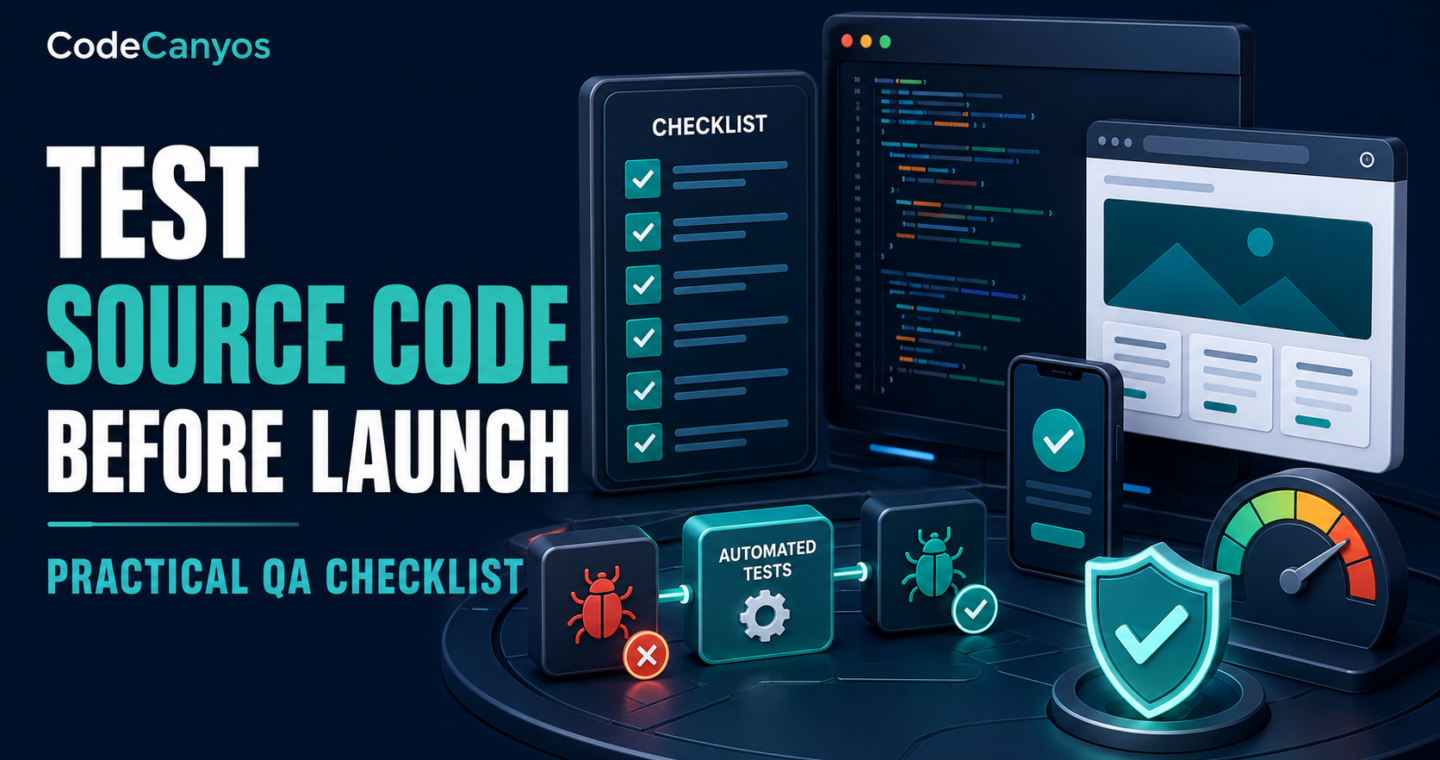
To test source code before launch, you need evidence that the product works outside the developer’s ideal setup. A successful demo is only a starting point. Production quality includes installation, security, data integrity, device coverage, error handling, performance and recovery.
This checklist works for game templates, mobile apps and web scripts. Adapt it to the project’s risk and use the relevant CodeCanyos guide for HTML5 games, Unity projects, Flutter apps or Laravel scripts.
Start with acceptance criteria
Write the journeys that must work at launch: registration, purchase, gameplay, booking, upload, notification or reporting. Define expected results and critical failure conditions. Testing becomes more reliable when “done” is observable.
Prioritize money, permissions, personal data and irreversible actions. Cosmetic defects matter, but they should not hide security or data-loss risks.
Preserve a clean baseline
Keep the original source archive and create a versioned working copy. Record tool, language, framework and dependency versions. Build the unmodified project before adding features.
This proves whether a defect existed in the template or was introduced during customization.
Test installation from zero
Use a clean machine, container or staging environment that does not contain the original developer’s caches. Follow only the provided documentation. Record missing packages, hidden steps, local paths and undocumented credentials.
A reproducible setup is part of product quality and future maintenance.
Test every role and permission
Create accounts for each user type. Attempt direct URLs, API calls and actions that should be forbidden. Verify that server-side checks protect records and administrative operations.
Test password reset, logout, session expiry, account suspension and deletion where applicable.
Validate input and error handling
Try empty, long, malformed and duplicate input. Upload wrong file types and oversized files. Interrupt networks during save or payment. The system should preserve data integrity and show a useful message without exposing sensitive debugging details.
Check browser and server logs for silent failures.
Test representative devices and browsers
Select a matrix based on real users. Include current desktop browsers, mid-range Android devices, iPhones or iPads where supported, several screen ratios and assistive settings such as large text.
For games, test input methods, pause and long sessions. For apps, test background resume, permissions and deep links. For web products, test forms, navigation and responsive layouts.
Test network conditions
- Fast, slow and unstable connections.
- Offline start and connection loss during an action.
- Server timeout and invalid API response.
- Expired authentication or revoked access.
- Third-party service unavailable.
Loading indicators, retries and error messages should not create duplicate records or charges.
Test payments and monetization
Use sandbox environments. Test success, failure, cancellation, timeout, duplicate callbacks, refunds and restoration. Verify results on the server rather than trusting the client.
For advertising, use test units during development and confirm rewards only after validated completion. Test no-fill and offline behavior.
Security review
Search the repository for credentials, private keys, tokens and personal data. Review dependency vulnerabilities, access control, file uploads, data validation and debug configuration. Ensure production secrets are created for the final environment.
High-risk or payment systems deserve professional security review before launch.
Performance and capacity
Measure startup, page or scene load, common interactions, memory and network payloads. Use realistic data volume and concurrent traffic for web systems. Test mid-range hardware rather than relying on a powerful development machine.
Set a practical threshold for each important journey and retest after optimization.
Data migration and backups
Test database migrations on a copy of realistic data. Verify backups by restoring them, not merely by confirming that files exist. Document rollback steps for code and data.
When an update changes schemas, determine whether a code rollback remains compatible.
Privacy and policy checks
Inventory collected data, SDKs, cookies, permissions and retention. Make the privacy notice and store declarations match the final build. Remove unnecessary collection and access.
Verify age ratings, advertising disclosures, content rights and license notices.
Run a release-candidate test
Freeze features and build the exact package intended for production with release settings, signing and optimized assets. Test it through a staging or closed-testing channel. Do not assume a debug build represents release behavior.
Record the version, commit, dependencies and configuration used to produce the candidate.
Launch and rollback plan
Define who watches errors, payments, support and performance after release. Prepare a rollback version and criteria for using it. Small staged releases reduce risk and provide better evidence than an immediate full rollout.
Keep a list of known noncritical issues so the team can distinguish expected behavior from new incidents.
Final QA checklist
A launch candidate should install from clean instructions, pass essential journeys, enforce permissions, handle failure safely, perform on representative devices and recover through tested backups. Licenses, privacy and store details must match the actual product.
Before buying another template, use the 15-point source-code checklist. Good testing begins with choosing code that can be built, understood and maintained.