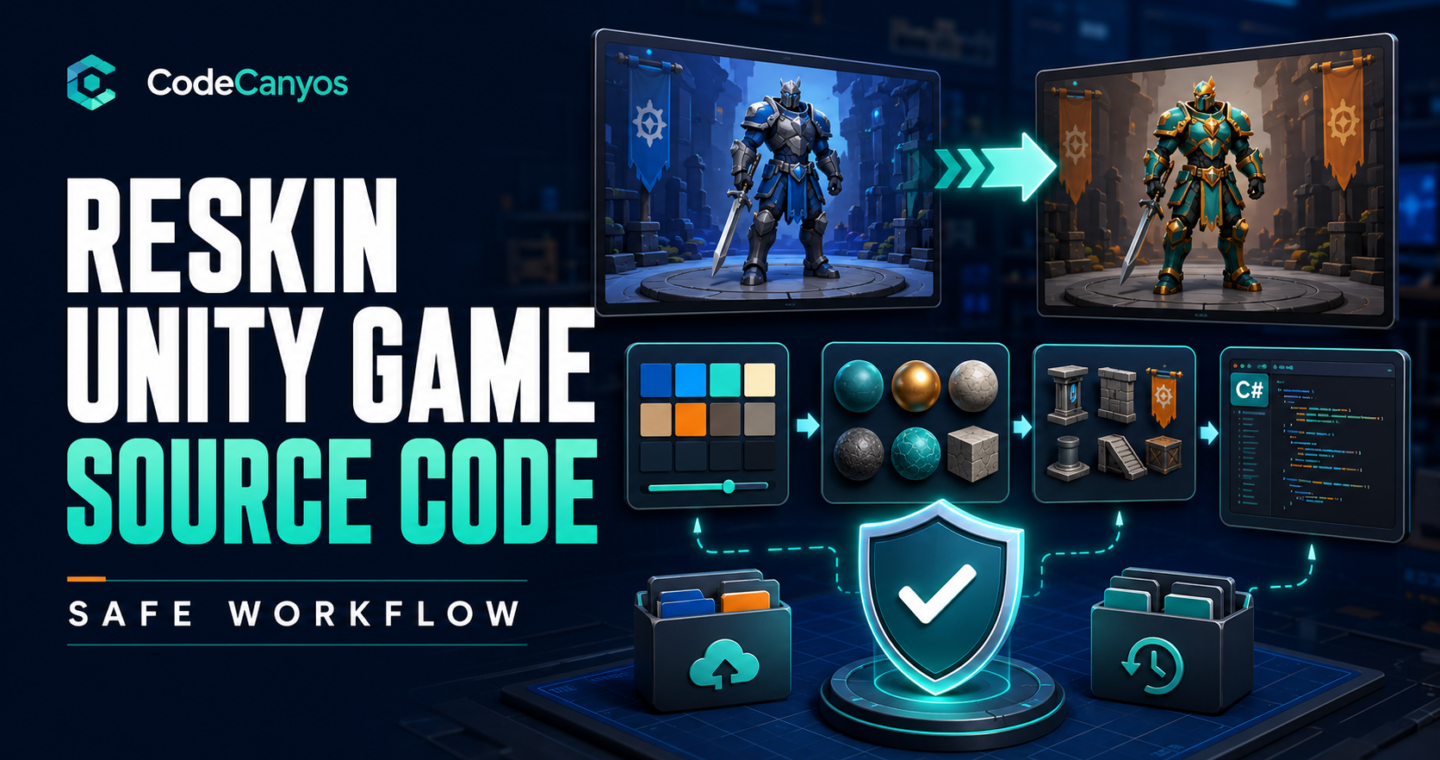
To reskin Unity game source code safely, protect the working project first and change it in controlled stages. Replacing art, branding and store identifiers sounds simple, but Unity links scenes, prefabs, materials, animations and scripts through serialized references. Deleting or renaming the wrong asset can break many screens at once.
This workflow is designed for purchased templates and inherited projects. Before beginning, review the Unity game source-code buyer’s guide and confirm that the project includes editable files and appropriate asset rights.
1. Preserve the original project
Keep the downloaded archive untouched. Create a working copy and place it under version control if possible. Record the exact Unity editor version, render pipeline and installed packages before opening it.
Build and test the original project. Save screenshots and a short issue list. This baseline proves what worked before the reskin.
2. Define the new product identity
Choose the final game name, studio name, package or bundle identifier, color palette, visual style and target audience. Prepare a naming document so the same spelling appears in the game, store listing, privacy policy and support pages.
Search the project for the old title, company name, domains, email addresses, advertising IDs and analytics keys. Do not assume they appear only in Player Settings.
3. Build an asset replacement map
Create a table with the original asset, location, dimensions, import settings and replacement status. Include icons, splash screens, logos, sprites, models, materials, textures, fonts, audio, particles, loading screens and store graphics.
Replace assets with matching technical properties before redesigning layouts. A texture with the wrong type, alpha setting or compression can appear blurry or invisible.
4. Replace art without losing references
When practical, overwrite an asset while preserving its file path and Unity metadata. This keeps references from scenes and prefabs. If you must create a new asset, update every dependent component and verify all prefab variants.
For 3D characters, confirm rig type, bone names, avatar mapping and animation compatibility. For sprite sheets, match pivots, slicing and pixels per unit.
5. Update colors, fonts and interface layouts
Centralized themes make reskins faster. Look for shared materials, ScriptableObjects, style assets or configuration prefabs. If values are duplicated across scenes, change them carefully and consider consolidating them for future updates.
Test localized or long text even if the first release is English. New fonts and wording can overflow buttons or overlap mobile safe areas.
6. Change audio legally
Replace music and effects whose redistribution rights are unclear. Normalize volume so one sound is not dramatically louder than another. Verify mute controls, pause behavior and audio focus when calls or other applications interrupt play.
Keep license records for purchased or free assets. A source-code purchase does not necessarily include independent redistribution rights for every file.
7. Replace application and service identifiers
- Android package name and iOS bundle identifier.
- Company and product names in Player Settings.
- Advertising application and unit IDs.
- Analytics, Firebase and notification configuration.
- Deep links, URL schemes and backend endpoints.
- Store product IDs and leaderboard identifiers.
Use test advertising during development. Never publish with credentials or signing files supplied by another party.
8. Review packages and console messages
Remove unused integrations and update required SDKs in small steps. Resolve compiler errors before changing unrelated systems. Treat repeated warnings as maintenance work, especially when they involve obsolete APIs, missing references or platform requirements.
After each package change, make a clean build and test the affected feature.
9. Add meaningful product value
A reskin should not stop at colors and icons. Improve onboarding, difficulty, level variety, feedback, accessibility or progression. Distinctive value helps players and reduces the risk of publishing a repetitive template.
Choose improvements that reinforce the core mechanic. A focused game with polished controls is stronger than a template overloaded with unrelated features.
10. Test in layers
Test the menu and first level after visual changes, then complete longer sessions after feature and SDK changes. Use several screen ratios and at least one mid-range target device. Verify pause, resume, offline behavior, denied permissions and failed ad requests.
Keep a regression list for scoring, saves, purchases, rewards, scene transitions and settings. A visual reskin can accidentally change colliders, raycast targets or prefab references.
11. Prepare store assets from the final build
Create original screenshots and promotional graphics after the interface stabilizes. Store images should show real gameplay. Write an accurate description, disclose advertising and data use, and complete age-rating questions from the final content.
Run internal or closed testing before production. Collect crash reports and ask testers to complete specific journeys.
Common Unity reskin mistakes
- Opening the project in a new Unity version without a backup.
- Deleting assets instead of preserving or updating references.
- Leaving seller ad IDs, URLs or analytics credentials in the build.
- Using copyrighted characters, music or store graphics.
- Testing only in the editor and not on target devices.
- Publishing a near-identical template without meaningful improvements.
Final reskin checklist
Preserve the original, establish a clean build, map every asset, update identity and services, then test each stage. Keep license records and release with your own signing credentials. If you are still choosing between formats, compare Unity 2D and Unity 3D templates before committing to the art pipeline.
Browse more Unity game source code for projects that match your team and target platform.