Unity 3D game source code can provide a playable foundation for a mobile, desktop or WebGL game, but successful launch work begins before the purchase. Unity projects combine C# scripts, scenes, prefabs, packages, art, audio and platform settings. A mismatch in only one of those areas can create upgrade errors, poor performance or unexpected licensing costs.
This guide shows how to inspect a Unity template, estimate customization and prepare it for release. You can compare current projects in the Unity games source code category while using each section as an evaluation checklist.
What should a Unity source-code package contain?
A complete project normally includes the Assets, Packages and ProjectSettings folders, original C# scripts, scenes, prefabs, materials, textures, animation controllers, audio and documentation. Mobile projects may also include configured advertising, analytics, in-app purchases or notifications.
A compiled APK, WebGL folder or executable is useful for testing, but it is not editable source code. Confirm that the Unity project opens and that all required packages can be restored without missing dependencies.
Record the exact Unity version first
Unity versions matter. Opening an old project in a new editor can upgrade serialized assets and packages in ways that are difficult to reverse. Prefer a supported Long Term Support release when possible, and open a copy of the project before making changes. Never upgrade the only copy.
Check whether the seller states a precise editor version and whether the project uses the Built-in Render Pipeline, Universal Render Pipeline or High Definition Render Pipeline. Materials and shaders are not automatically interchangeable across every pipeline.
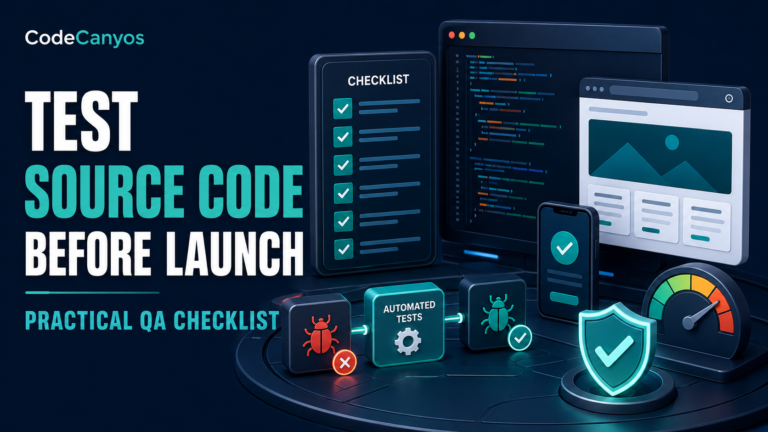
Test the playable build like a customer
- Complete several sessions instead of viewing only the first scene.
- Pause, resume, restart and switch applications on a mobile device.
- Test low, medium and high graphics settings if they exist.
- Check camera movement, touch sensitivity and controller input.
- Listen for audio loops, clipping and missing effects.
- Verify menus, save data, rewards and level progression.
Write down defects during the demo. They are part of your launch estimate even if they appear small.
Inspect the C# architecture
Good Unity code keeps configuration separate from behavior and avoids placing the entire game in one scene controller. Look for clear class names, reusable components, ScriptableObjects or structured configuration where appropriate, and limited use of expensive work in Update methods.
Confirm that scenes and prefabs do not depend on missing paid assets. Console warnings may reveal obsolete APIs, broken references or render-pipeline problems. Documentation should explain how scenes are ordered and where important values are configured.
Understand included assets and licenses
The project license and the licenses for fonts, music, models, textures and third-party Unity packages are separate questions. Determine which assets can ship in your end product and which must be replaced. Do not assume that a purchased template transfers the right to resell its raw assets.
Keep a simple asset register with source, author, license and replacement status. This becomes valuable when preparing store submissions or working with a client.
Measure mobile performance early
A game that runs smoothly on a desktop editor can struggle on a mid-range phone. Profile representative levels on real hardware. Pay attention to draw calls, overdraw, texture memory, garbage collection, physics load, particle counts and shader complexity.
Use appropriate texture compression, object pooling and quality settings. Reduce work before lowering visual quality everywhere. Build size also matters for store conversion and download completion.
Check services and recurring costs
List every external dependency: ad networks, analytics, authentication, cloud saves, leaderboards, push notifications, multiplayer servers and paid asset-store packages. Verify which accounts you must create and whether the template uses deprecated SDK versions.
Backend-connected features require security review. Never trust scores, currency or purchases sent from a client without server-side validation when those values affect competition or real value.
Estimate customization in three levels
Reskin
Logo, colors, characters, icons, sounds, store text and basic advertising identifiers. Even a reskin requires testing every screen and device ratio.
Feature customization
New levels, progression, boosters, missions, localization, achievements or monetization changes. These affect multiple systems and need regression testing.
Product redevelopment
Multiplayer, new core mechanics, a different camera model, user accounts or a new backend. At this point the template is a foundation, not a nearly finished product.
Prepare Android, iOS and WebGL separately
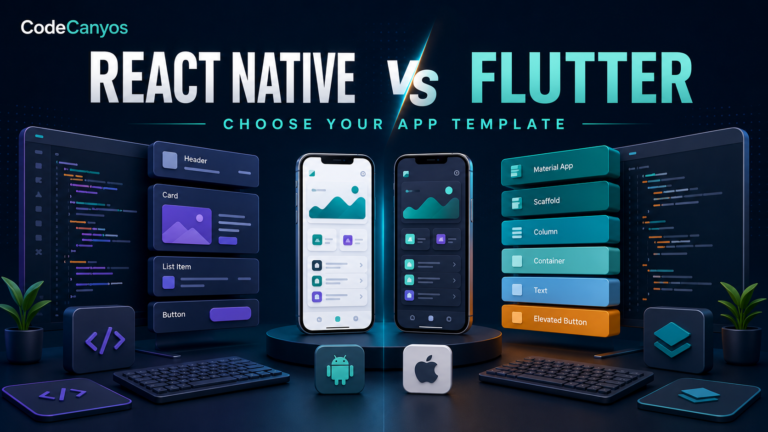
Each target has different requirements. Android builds need package identifiers, signing, API-level checks and device testing. iOS builds require Xcode, certificates and Apple-specific permission text. WebGL builds need browser memory, compression, hosting headers and mobile-browser testing.
Do not promise identical behavior across all targets until each one has been built and tested. Platform plugins can behave differently even when the core game is shared.
Common warning signs
- No exact Unity version is documented.
- The demo works but editable project files are not clearly listed.
- Console errors are described as harmless without explanation.
- Core features depend on discontinued services.
- Store graphics or branded characters are included without clear rights.
- The project requires numerous paid packages that are not disclosed.
For a broader purchase review, use the app source-code safety checklist before committing.
Frequently asked questions
Is Unity 3D only for three-dimensional games?
No. Unity supports both 2D and 3D workflows. The correct choice depends on the project, assets, physics and camera rather than the editor name.
Can I publish a Unity template without changes?
Technically it may build, but stores and players expect a distinct, tested product. Replace branding, verify licenses, update SDKs and add meaningful value before release.
How much Unity knowledge is needed?
A basic reskin still requires familiarity with scenes, prefabs, imports, builds and platform settings. Feature changes require C# and an understanding of the project architecture.
Final Unity 3D source-code checklist
Choose a template with a documented Unity version, editable project files, clear asset rights and acceptable performance on real target devices. List integrations, upgrade work and platform-specific tasks before setting a launch date.
Browse Unity game source code, compare the demos and keep the HTML5 game source-code guide nearby if you are also considering a browser-first release.