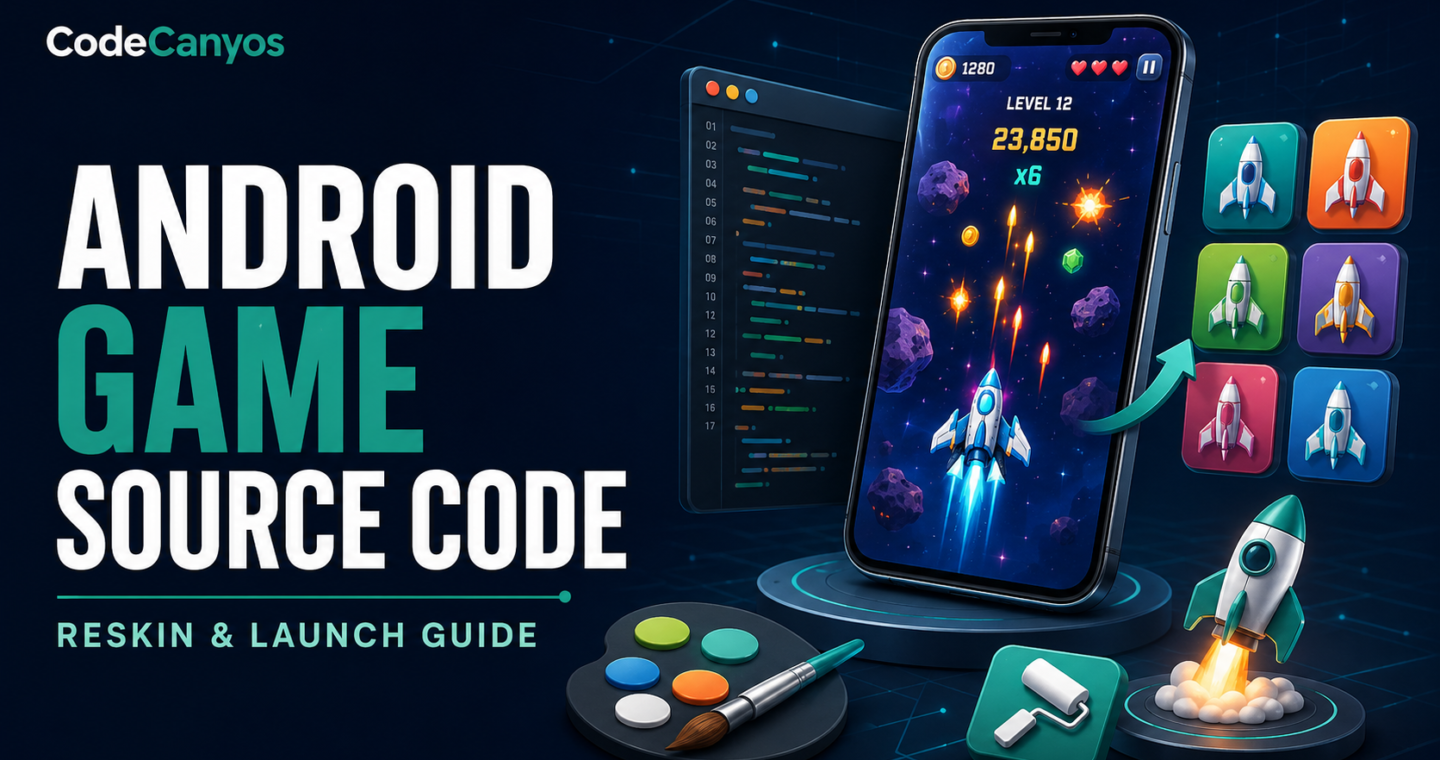
Android game source code can reduce development time, but a successful reskin is more than replacing an icon and changing a package name. The project must build with supported tools, behave reliably across devices, comply with Google Play policies and give players a reason to choose it.
This guide covers the technical and product work from evaluation to release. Start by comparing projects in the Android games source code collection, then apply the checklist before estimating cost or setting a launch date.
Confirm which technology the project uses
An Android game may be a native Android Studio project, a Unity export, a Flutter game, a WebView wrapper or another engine. The folder structure, build process and required skills differ. Record the Android Studio or Unity version, Gradle version, compile SDK, minimum SDK and every external plugin.
Ask for a clean build procedure. A project that only works on the original developer’s machine may contain local file paths, missing repositories or undocumented credentials.
Run a clean build before changing anything
- Keep an untouched archive of the original download.
- Open a working copy in the documented tool version.
- Allow dependencies to resolve from official repositories.
- Build a debug version without editing the project.
- Record all warnings and test the generated app on a real device.
This baseline separates existing issues from problems introduced during customization. If an upgrade is required, commit or back up the working project first.
Create a complete reskin inventory
Search for the old product name, package identifier, company name, domains, email addresses, ad identifiers and analytics keys. List every visible asset: launcher icons, adaptive icons, splash screen, menu logo, characters, backgrounds, buttons, store screenshots and promotional graphics.
Do not replace images only at one density. Android uses multiple resource sizes, and game engines may use atlases or sprite sheets. Confirm that new art has the same aspect ratios, transparency and import settings.
Change identity safely
Choose the final package name before production release because changing it later creates a separate Play Store application. Update the application label, deep links, FileProvider authorities, Firebase configuration and any code that relies on the original identifier.
Create your own signing key and store encrypted backups. Never publish with a key supplied in a template. Configure separate debug and release credentials so development builds cannot be mistaken for production.
Review advertising and analytics
Replace all sample or seller-owned ad unit IDs. Confirm that test ads are used during development and that production identifiers are enabled only in a release build. Check interstitial timing, rewarded-ad callbacks and failure behavior when no ad is available.
Analytics events should answer useful product questions instead of collecting unnecessary data. Document each SDK, the data it processes and whether consent is required in target regions. Update the privacy policy to match the actual app.
Remove obsolete and unused SDKs
Old advertising, social-login or notification libraries can create security warnings and policy problems. Remove integrations that are not part of the release. For every retained SDK, use a supported version and read its current platform requirements.
Permissions should match features. A casual offline game generally should not request contacts, microphone, precise location or broad file access. Unnecessary permissions reduce trust and can trigger additional review.
Make the game meaningfully distinct
Store quality systems and users can recognize near-identical templates. Change art direction, audio, level design, progression and presentation. Improve instructions and difficulty pacing. Add a feature that fits the game rather than attaching unrelated screens.
A strong reskin retains proven mechanics while giving the product a clear audience and identity. Test the first five minutes with people who have not seen the project before.
Test across real Android conditions
- Low and mid-range devices with limited memory.
- Small phones, tall screens, tablets and display cutouts.
- Slow or unavailable networks.
- Incoming calls, app switching, pause and resume.
- Fresh install, upgrade, clear data and reinstall.
- Denied permissions and disabled advertising identifiers.
Watch frame rate, thermal behavior, battery use, crash logs and memory during long sessions. A ten-second demo is not a reliability test.
Prepare the Play Store listing
Write an accurate title and short description, create original screenshots and use a feature graphic that reflects real gameplay. Complete the data-safety form from the actual SDK inventory. Set age rating and target audience honestly, and disclose ads where required.
Use internal testing before production. Invite testers who have different devices and ask them to complete specific tasks, not just report whether the app opens.
Budget beyond the template price
Include developer time, graphics, sound, testing devices, store account fees, backend hosting, privacy work and future SDK updates. Monetization needs enough active users to be meaningful, so reserve effort for acquisition, retention and store conversion.
The template is one line in the budget. The launch system around it determines whether it becomes a sustainable product.
Frequently asked questions
Can I reskin Android game source code without programming?
Some visual changes are possible with limited coding, but builds, package changes, SDK updates, ad integration and debugging require technical knowledge. Plan developer support even for a simple reskin.
Can I use the same source code for several apps?
That depends on the license, and stores may reject repetitive or low-value applications. Read the license and create a genuinely distinct product.
Should I update every dependency immediately?
No. First create a working baseline, then update in controlled steps. Security and store requirements may force specific upgrades, but changing everything at once makes failures harder to diagnose.
Android game launch checklist
Verify the technology, build a clean original copy, replace all identity and service credentials, minimize permissions, create original assets and test on real devices. Review the source-code buying checklist before purchase and the Unity 3D source-code guide when the Android project is built with Unity.
Explore more Android game templates or browse the complete CodeCanyos marketplace.